

Create Evaluations from Templates
For developers, the SDK provides two powerful ways to create evaluations programmatically using templates:Option 1: Using Template ID
1
Copy the Template ID from the Web
Navigate to the “Templates” Tab on the Workspace, select the template you
want to use, and copy the Template ID.
2
Initialize the SDK
Initialize with your API key. For details, refer to Get API Key
3
Create an evaluation using the template
Use the Template ID to create a new evaluation.
4
Add Files to the Evaluation
Add files with relevant metadata to the evaluator.
5
Finalize the evaluation
Close the evaluator to finalize the setup.
Option 2: Using Template JSON
You can create evaluations by defining the template structure either directly in your code using a JSON dictionary or by loading it from a JSON file.Intro
A template consists of three main sections:-
Questions Section: Contains the core evaluation questions
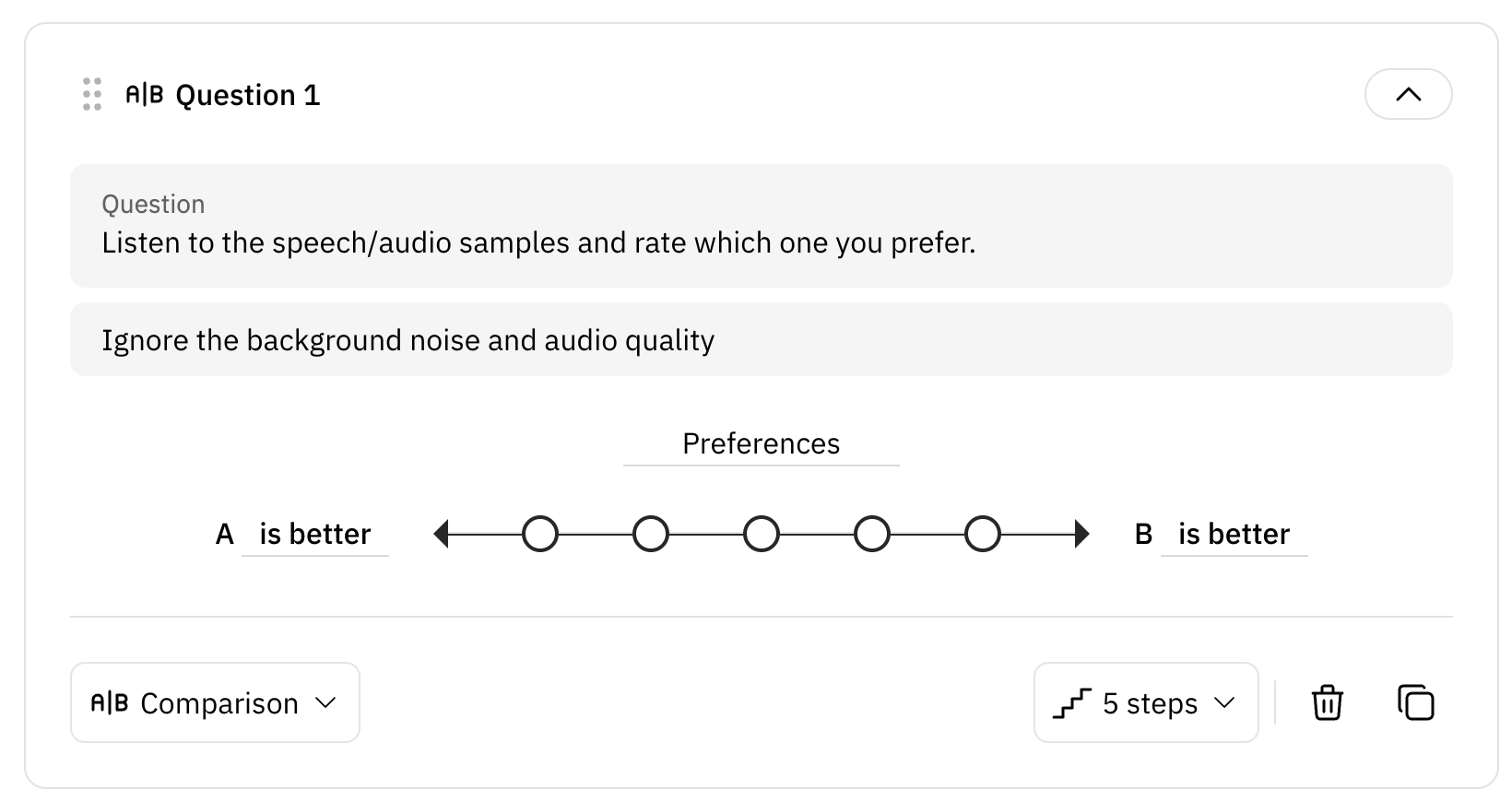
SCORED: Rating scale questions (e.g., 1-5 Likert scale)NON_SCORED: Multiple/Single choice questionsCOMPARISON: Comparison questions (for double evaluations)
-
Instructions Section (Optional): Contains guidance messages to the evaluators.
- These messages help ensure that evaluators understand how to conduct the evaluation properly. Providing clear and appropriate guidance can significantly enhance the quality of the evaluation results.
- Use one of the following types:
DO,WARNING,DONT,EXAMPLE
-
Annotations Section (Optional): Collects free-form text feedback from evaluators.
- Allows evaluators to provide detailed written feedback beyond standard ratings.
- Use
related_modelto specify which audio the annotation applies to.
Types
- Scored Question
- Non-Scored Question
- Comparison Question
- Instruction
- Annotation

For
options in SCORED questions: - score is automatically generated only
for SCORED questions. If there are 5 options, the first option in the list
receives a score of 5, the second option receives a score of 4, and so on,
down to a score of 1 for the last option. - order is the index of the option
in the list, starting from 0. - For more detailed explanations, please refer
to the reference
documentation.

Example
Here’s a step-by-step guide to create an evaluation using the template JSON:1
Prepare Template
Define your template as a Python dictionary or save it as a JSON file:
When using a JSON file:
- Save the file with
.jsonextension - Ensure proper JSON formatting
- Use UTF-8 encoding
2
Create Evaluation
For single and double evaluations (evaluating one or two files at a time):
custom_type accepts SINGLE, DOUBLE, SINGLE_REF, RANKING, and RANKING_REF.
Use add_file() for SINGLE, add_files() for DOUBLE and SINGLE_REF, and
add_ranking_set() for RANKING and RANKING_REF.model_tag accepts letters, digits, hyphens and underscores only — "Model A"
raises, "Model_A" works.For single evaluations:
- Use
add_file()method for adding individual files - Each file is evaluated independently
- Avoid using COMPARISON type questions
- Use
add_files()method to add pairs of files - Files are always evaluated in pairs
- COMPARISON type questions are supported
- Consider using clear model_tag for distinguishing each file
3
Finalize the Evaluation
Close the evaluator to finalize the setup:
Tip: Using the SDK is ideal for integrating evaluations into automated
workflows.