Overview
Annotation allows you to collect free-form text feedback from evaluators beyond simple ratings. This is useful for understanding the reasoning behind ratings or gathering specific feedback about audio quality issues.
There are two ways to enable annotations:
| Method | Description | Use Case |
|---|
use_annotation=True | Automatically adds annotation capability | Quick setup |
annotations array in JSON | Define custom annotation questions | Custom questions with specific targeting |
Method 1: Auto-Enable Annotation
The simplest way to collect feedback is to set use_annotation=True when creating an evaluator.
import podonos
client = podonos.init("<API_KEY>")
evaluator = client.create_evaluator_from_template(
template_id="<TEMPLATE_ID>",
name="Quality Evaluation",
num_eval=100,
use_annotation=True # Enable annotation
)
This also works with create_evaluator() and create_evaluator_from_template_json().
Method 2: Define Custom Annotation Questions in JSON
For more control, define annotation questions directly in your template JSON using the annotations array.
Single Stimulus Example
For single stimulus evaluations (NMOS, QMOS, etc.), use "ALL" or omit related_model:
import podonos
from podonos import File
client = podonos.init("<API_KEY>")
template = {
"questions": [
{
"type": "SCORED",
"question": "Rate the overall speech quality",
"options": [
{"label_text": "Very poor"},
{"label_text": "Poor"},
{"label_text": "Fair"},
{"label_text": "Good"},
{"label_text": "Excellent"}
]
}
],
"annotations": [
{
"type": "ANNOTATION",
"question": "Describe any issues you noticed in the audio",
"related_model": "ALL",
"description": "e.g., noise, pronunciation errors, unnatural intonation"
}
]
}
evaluator = client.create_evaluator_from_template_json(
json=template,
name="Quality Evaluation with Feedback",
custom_type="SINGLE"
)
evaluator.add_file(File(path="audio.wav", model_tag="model_v1", script="Text of the audio"))
evaluator.close()
Double Stimulus Example
For double stimulus evaluations (PREF, etc.), annotations are only available through the JSON annotations array (not use_annotation=True). You must specify "MODEL_A" or "MODEL_B" for each annotation:
import podonos
from podonos import File
client = podonos.init("<API_KEY>")
template = {
"questions": [
{
"type": "SCORED",
"question": "Which audio sounds more natural?",
"options": [
{"label_text": "Audio A is much better"},
{"label_text": "Audio A is slightly better"},
{"label_text": "About the same"},
{"label_text": "Audio B is slightly better"},
{"label_text": "Audio B is much better"}
]
}
],
"annotations": [
{
"type": "ANNOTATION",
"question": "Describe issues in Audio A",
"related_model": "MODEL_A"
},
{
"type": "ANNOTATION",
"question": "Describe issues in Audio B",
"related_model": "MODEL_B"
}
]
}
evaluator = client.create_evaluator_from_template_json(
json=template,
name="Comparison with Feedback",
custom_type="DOUBLE"
)
evaluator.add_file_pair(
File(path="audio_a.wav", model_tag="model_a"),
File(path="audio_b.wav", model_tag="model_b")
)
evaluator.close()
The related_model parameter specifies which audio the annotation question applies to:
| Evaluation Type | Allowed Values | Description |
|---|
| Single stimulus (NMOS, QMOS, etc.) | "ALL" or omit | Feedback for the single audio |
| Double stimulus (PREF, etc.) | "MODEL_A" or "MODEL_B" | Feedback for specific audio |
For double stimulus evaluations, related_model is required and must be either "MODEL_A" or "MODEL_B". Using "ALL" will cause an error.
Important: Mutual Exclusivity
You cannot use use_annotation=True and the annotations array together. Choose one method:
# ❌ Error - cannot use both
evaluator = client.create_evaluator_from_template_json(
json={"annotations": [...]}, # JSON contains annotations
use_annotation=True # raises an error
)
# ✅ Correct - use annotations array only
evaluator = client.create_evaluator_from_template_json(
json={"annotations": [...]},
use_annotation=False # Default
)
# ✅ Correct - use auto-enable only
evaluator = client.create_evaluator_from_template_json(
json={}, # No annotations array
use_annotation=True
)
Template JSON Schema
annotations Array
| Field | Type | Required | Description |
|---|
annotations | array | No | List of annotation questions |
annotations[].type | string | Yes | Must be "ANNOTATION" |
annotations[].question | string | Yes | Question text shown to evaluators |
annotations[].related_model | string | Conditional | "ALL", "MODEL_A", or "MODEL_B" |
annotations[].description | string | No | Additional guidance for evaluators |
Method Support
The use_annotation parameter is available in these methods:
| Method | use_annotation Support |
|---|
create_evaluator() | Yes |
create_evaluator_from_template() | Yes |
create_evaluator_from_template_json() | Yes |
Viewing Annotation Results
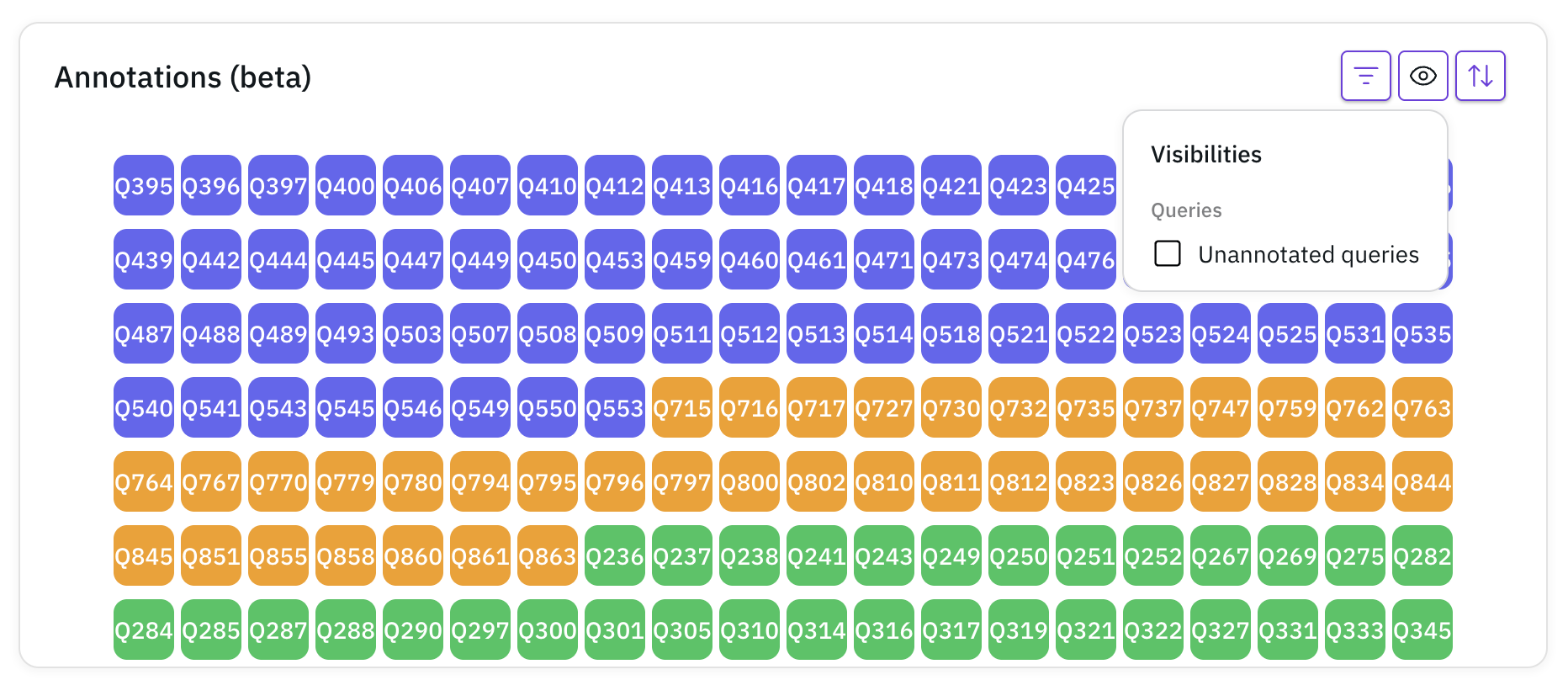
Once the evaluation finishes, you can view the annotation results in the analysis tab:
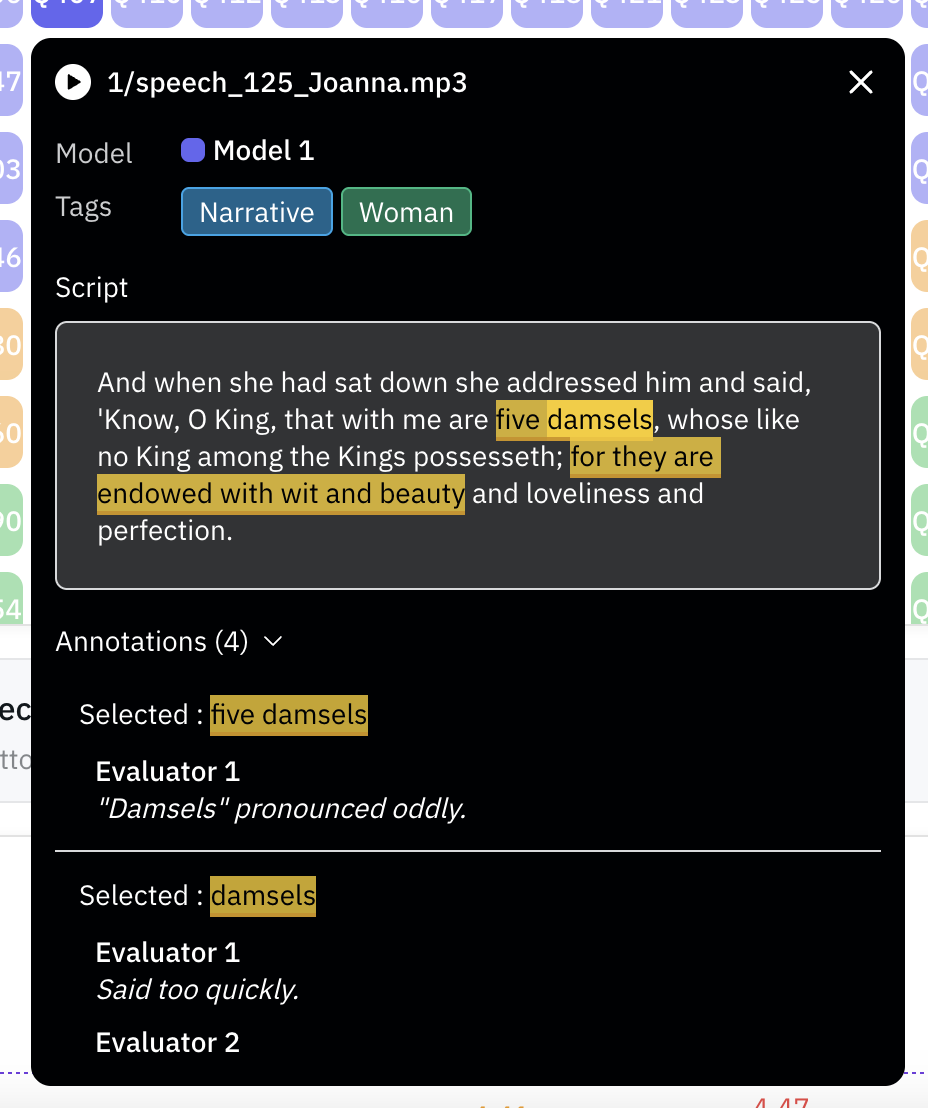
Click on a file to see the evaluator feedback: